

Touch Response Restriction

Hello,
I am planning to use to touch response function for an online experiment. The display will look like below
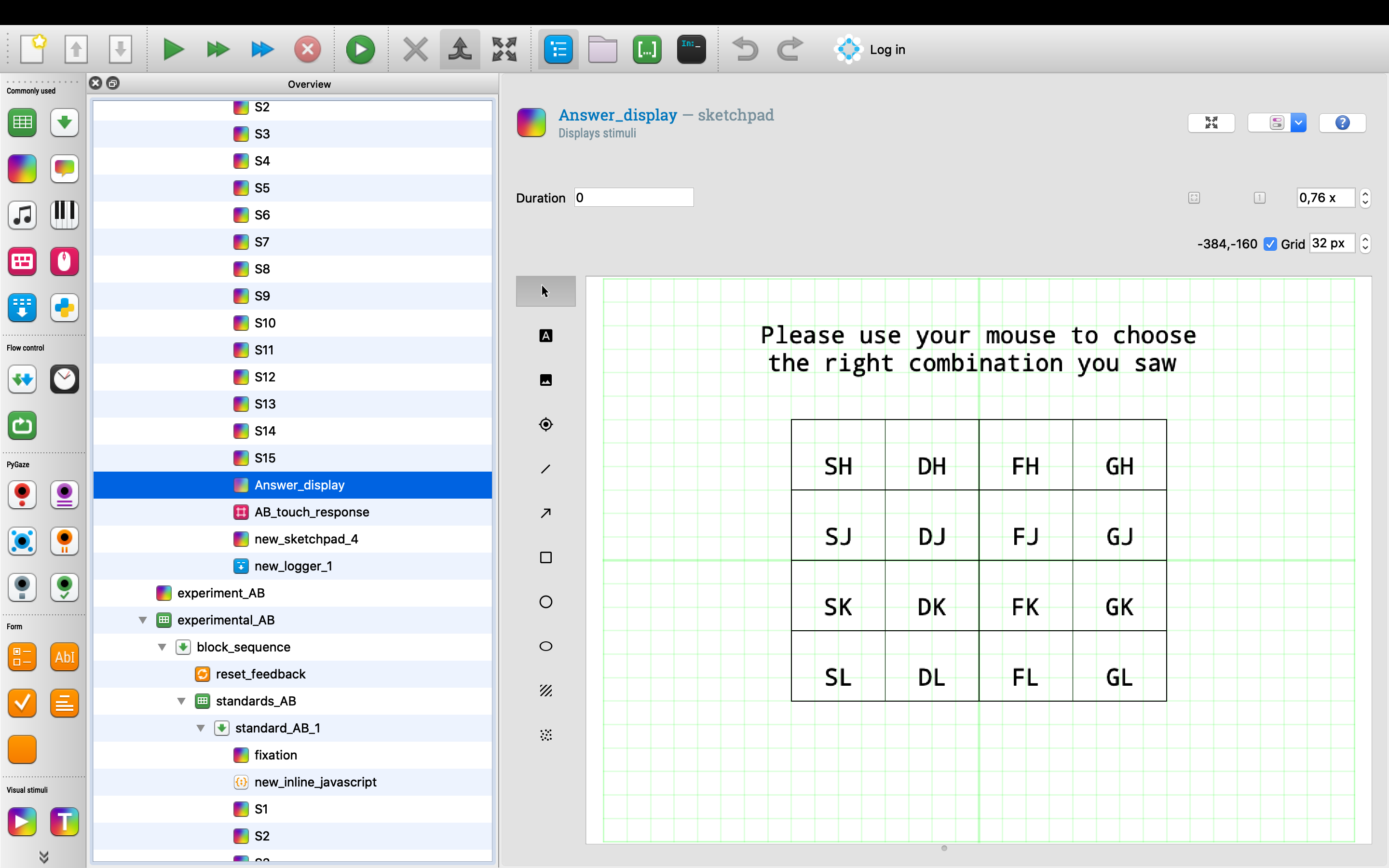
Do you have any idea how could I forbid the screen move to the next display if the participant doesn't click inside the grid?
Best,
Lorraine
Comments
Hi Lorraine,
This requires some Javascript. After responding (or participants trying to move on), check whether the response variable is set if not, show the same image again.
Important things to keep in mind:
break_ifstatement of the loop to`[response] != None`(or some condition that indicates a response was given), so that you won't get stuck in that loopHope this helps,
Eduard
Hi,
I tried to create a sequence (see attached picture), but my experiment just skipped the loop item. Could you please help me find out what went wrong?
I also attached the program in case I didn't explain carefully.
Hello,
So I did a little bit research and changed my code to Java language. Here is my code.
However, I am not sure how to let the touch response item re-run in Java language, could you please help me with that?
Best Regards,
Lorraine