

JASP: How to remove connecting lines between results?

Dear All,
I am new to JASP but with the help of this Forum I have gotten much better.
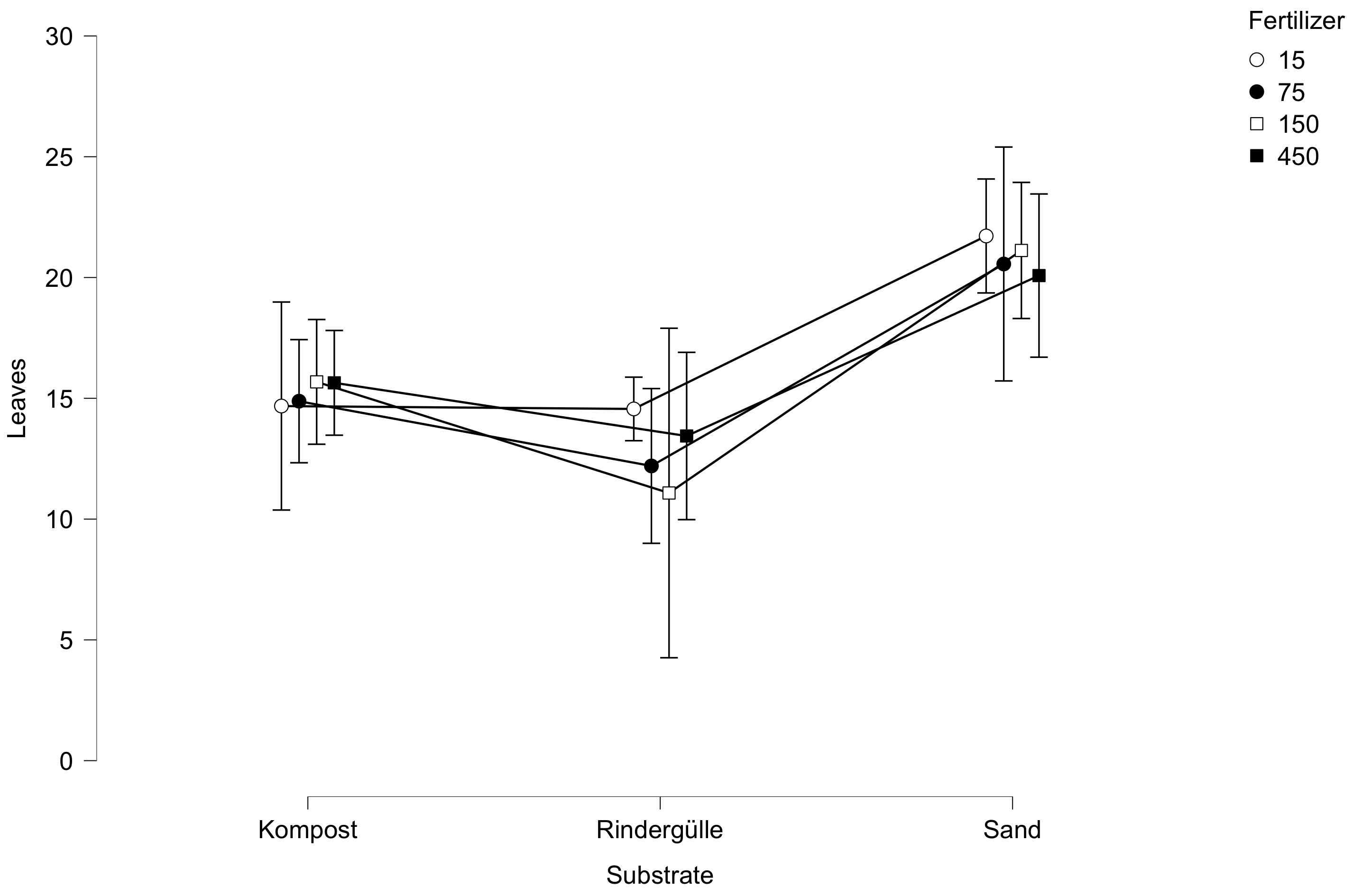
At the moment I am struggling with the fact that JASP automatically connects dots in figures with lines which is wrong from a statistical perspective. I have unsuccessfully been searching for a way to stop this and present the results without this line :/ Please have a look into the attached picture.
Can You please help me?
Thanks a lot!
Comments
I agree it is wrong in the sense that there is nothing in between the discrete categories. However, the lines often make it easier to see the pattern (perhaps not in this case). Ideally the lines would be optional. I'll make a note of this.
Cheers,
E.J.
Thank You E.J.! From Your answer I am concluding that there is no option yet available to take the lines out, right? I agree that the pattern is easier to see but am in the need to present the figure without them :/
Yes, no option now, but I assume a graphics editor will do the job
Cheers,
E.J.