


Creating a rating scale in a form_text_input

Hello!
I am trying to implement a rating scale within a form text input item, so that participants have to type in a number between 1 and 6.
Ideally, I would like the rating scale to look like this:
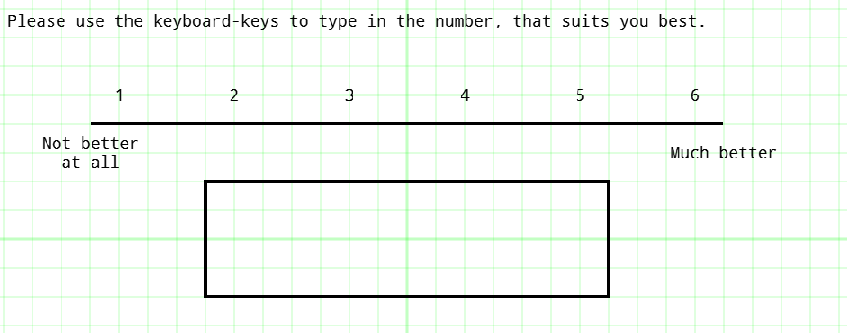
Here, I created it on a sketchpad, but due to some inconveniences, I switched to the form_text_input. Now my problem is that the "SPACE" or "TABULATOR" key do not really work in a sense that my design on the sketchpad, which looks like this...
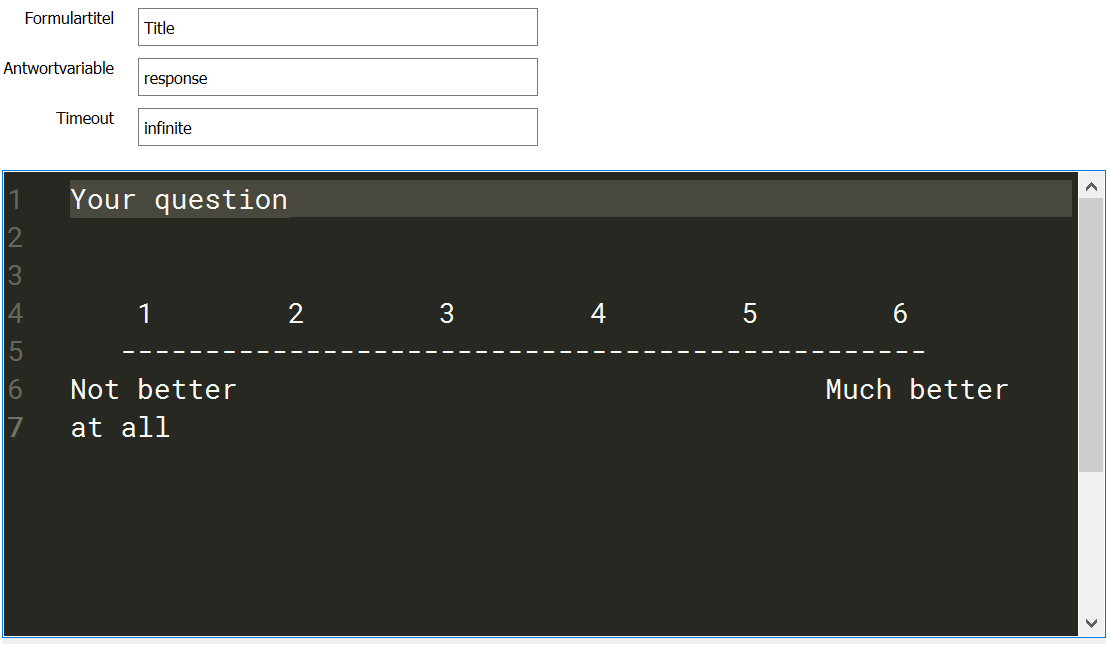
...gets somehow distorted when I run the experiment:
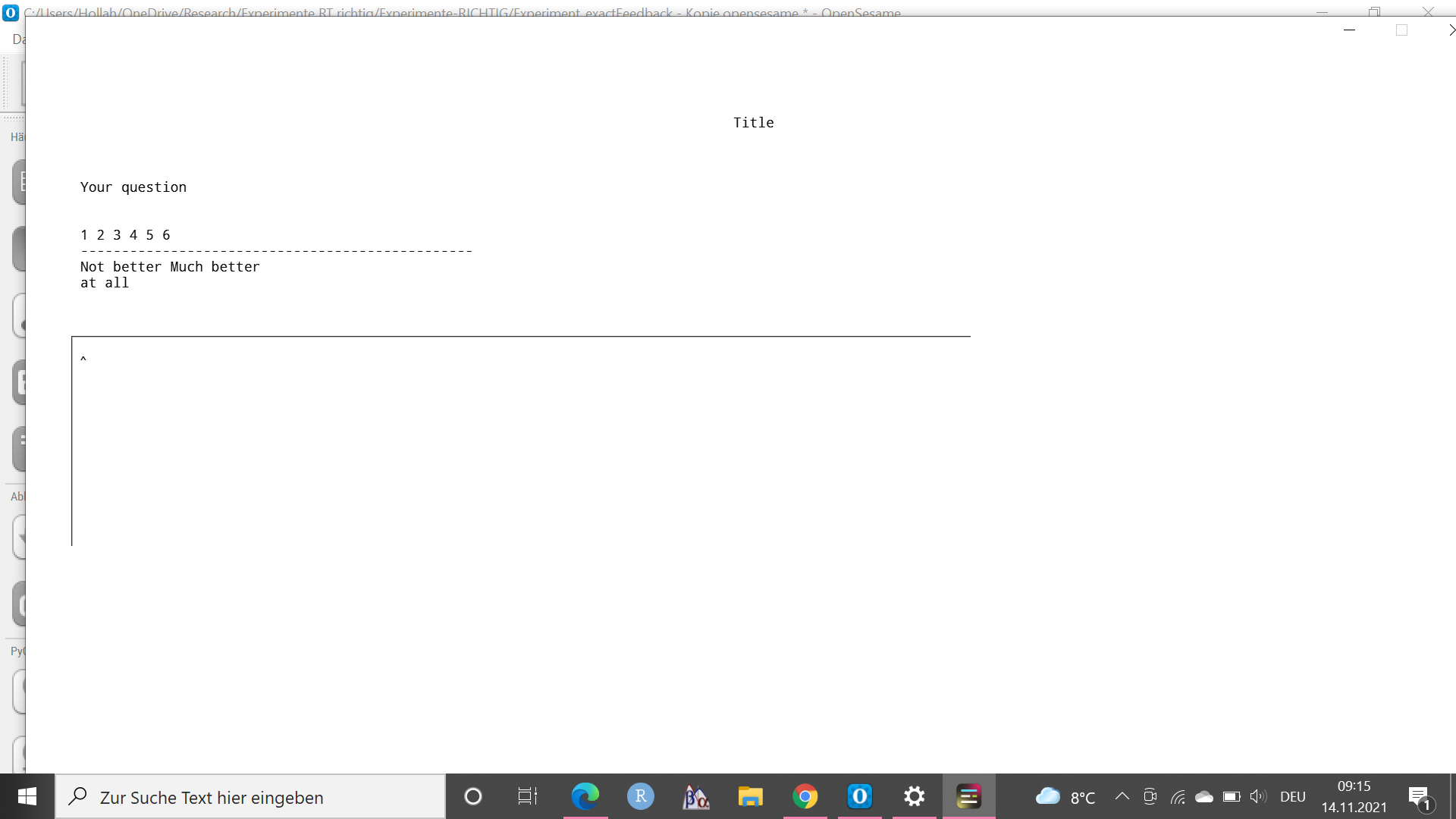
Does anyone know how I can implement such a rating scale within the form_text_input? I was thinking that there might be some code but since I am not familiar with it, I was not able to find a solution yet.
Comments
Hi SQuestion,
i would recommend using the form_multiple_choice item.
If you only use the form_text_input item, participants may also answer with 'A','0','3.5' or whatever. Of course, you can restrict this, but using mouse clicks would make this much easier.
Hope this helps,
Stephan