

Routing to JATOS app via Nginx reverse-proxy

I have a reverse-proxy setup to route appropriate requests to my (docker-composed) JATOS server. The proxy is there to allow my teammates to run different online-experiment applications on the same machine. I want to configure the proxy in such a way that users land on a generic welcome page when visiting our server (e.g., www.example.com) and land on the JATOS admin page only if they specify the location appropriately (e.g., www.example.com/jatos). However, the "default" Nginx configs provided in the documentation redirect all traffic to the JATOS server:
...

server {
    listen                      443 ssl;
    server_name                 memo.hib.uni-tuebingen.de;
    ssl_certificate             /etc/nginx/certs/memo-hib_cert.pem;
    ssl_certificate_key         /etc/nginx/certs/memo-hib_key_np.pem;
    ssl_protocols               TLSv1 TLSv1.1 TLSv1.2 TLSv1.3;
    ssl_prefer_server_ciphers   on;

    location /app1 {
        proxy_pass http://app1/;
    }

    location /app2 {
        proxy_pass http://app2/;
    }

    # JATOS traffic
    location / {
        proxy_pass              http://jatos-backend;
        proxy_connect_timeout   300;
        proxy_send_timeout      300;
        proxy_read_timeout      300;
    }

    # Websocket location (JATOS' group and batch channel and the test page)
    location ~ "^/(jatos/testWebSocket|publix/[a-z0-9-]+/(group/join|batch/open))" {
        proxy_pass              http://jatos-backend;
        proxy_http_version      1.1;
        proxy_set_header        Upgrade $http_upgrade;
        proxy_set_header        Connection $connection_upgrade;
        proxy_connect_timeout   7d; # keep open for 7 days even without any transmission
        proxy_send_timeout      7d;
        proxy_read_timeout      7d;
    }
}
When I change location / to location /jatos, and add a location for the welcome page, Nginx successfully routes requests where they are supposed to go, but now the stylesheets (and probably more stuff) seems to be missing from JATOS:
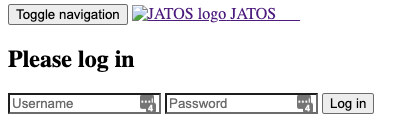
and:
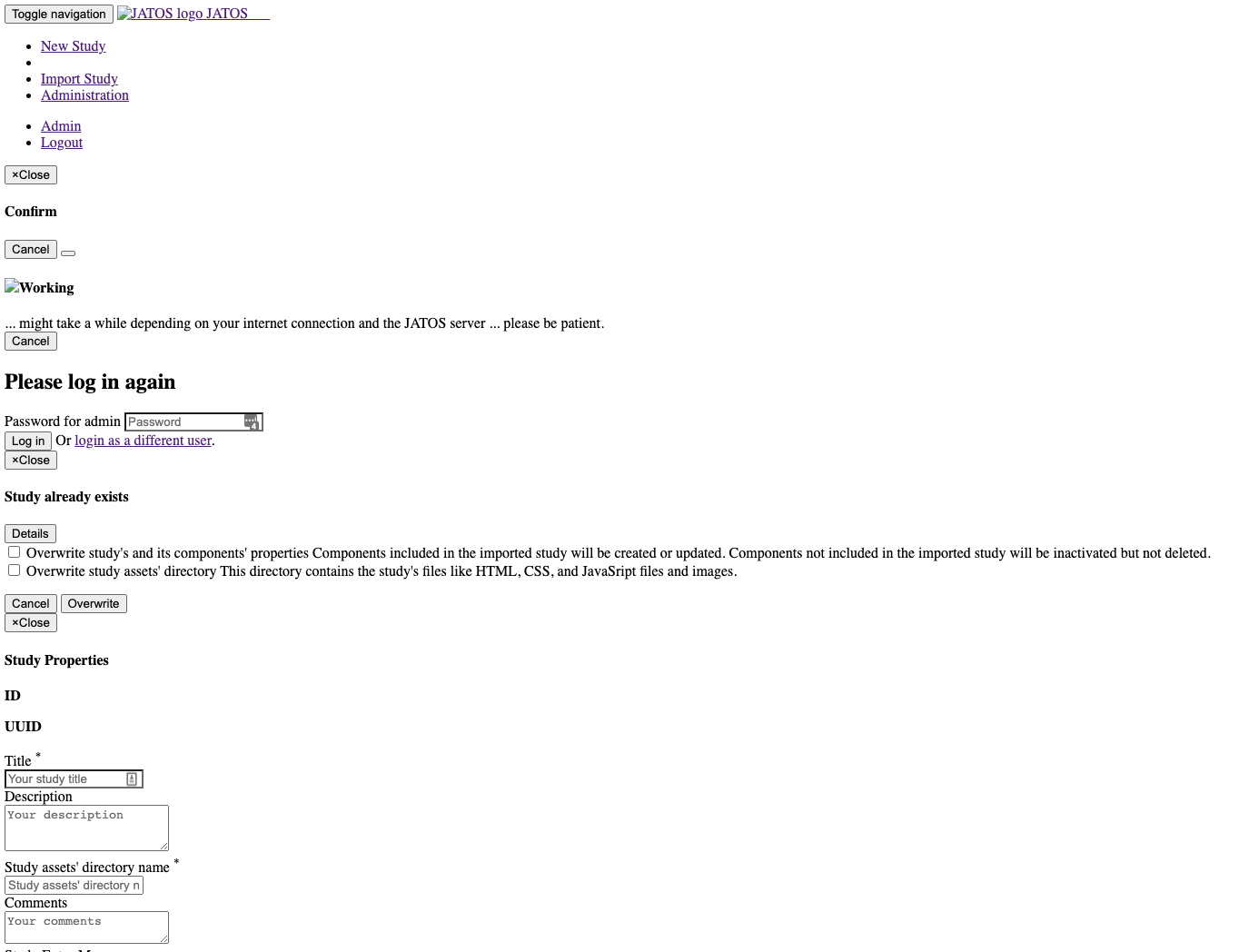
In the proxy container logs, I get messages like:
nginx.1 | 2022/08/18 16:00:31 [error] 242#242: *589 open() "/var/www/html/assets/lib/bootstrap/css/bootstrap.min.css" failed (2: No such file or directory), client: 134.2.86.39, server: memo.hib.uni-tuebingen.de, request: "GET /assets/lib/bootstrap/css/bootstrap.min.css HTTP/1.1", host: "memo.hib.uni-tuebingen.de", referrer: "https://memo.hib.uni-tuebingen.de/jatos/login"
It looks like Nginx routes the request for the stylesheets to var/www/html/assets/lib/bootstrap... which are not there. Any idea on how to fix this?
Comments
I managed to resolve this issue by changing the baseurl setting in the
production.conffile:Now the website homepage is accessible by the domain url, and JATOS can be reached via ``
Where
jatos-serveris a prefix for all JATOS traffic andjatosis the name of the location provided in Nginx configs.Yes,
play.http.contextin JATOS'production.confis the way to go here. More info in this page.You can also use the command-line argument
-DJATOS_URL_BASE_PATHor the environment variableJATOS_URL_BASE_PATH.Best,
Kristian