

Experiment not running on OSweb

So all this is a bit new to me and I'm learning as I go. This experiment will actually form part of my dissertation. The tutors in my college and my supervisor also seem unfamiliar with this platform.
Anyways, so I made my experiment it works well within OpenSesame but once I run it on the browser it's stuck on the screen pictured below - even though the compatibility test is fine:
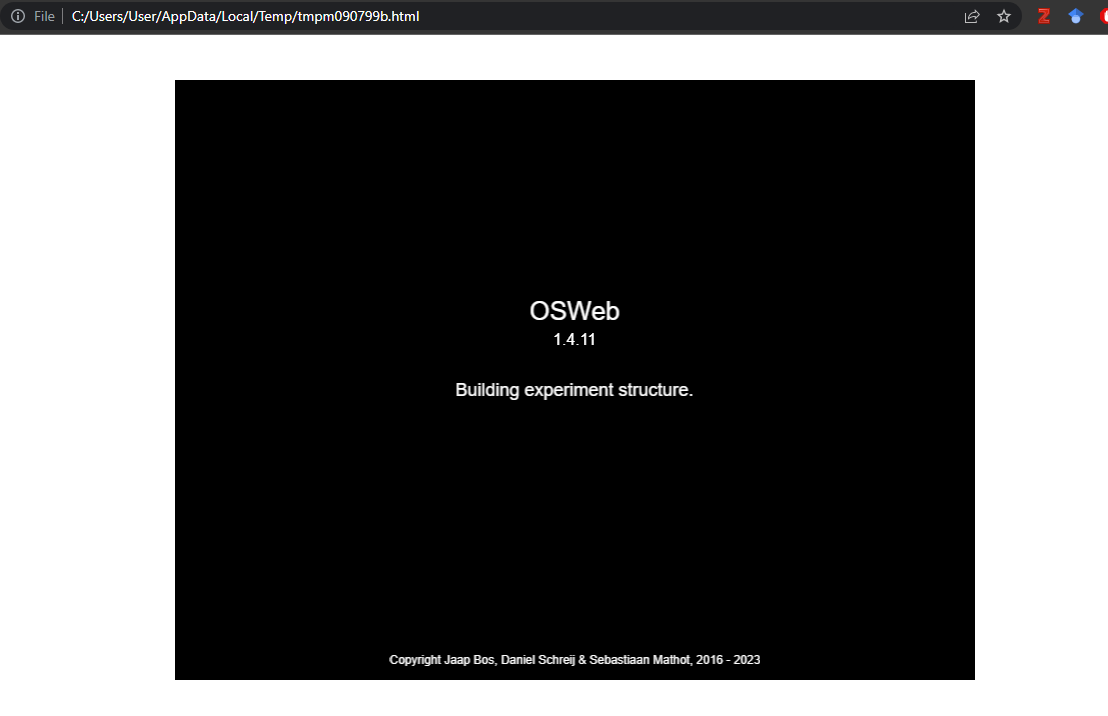
Here's the things I know I'm doing right: I've linked my loggers and am only logging the relevant variables, I'm using the most recent version of OpenSesame, I'm using chrome as the browser (and no updates are needed).
When I upload it to JATOS the issue continues so I think it's something wrong with my experiment or OSweb. If anyone can point out where this issue might be occurring it would be appreciated. Because I'm new to this I have a feeling it's most definitely something simple! Here's the layout of my experiment:
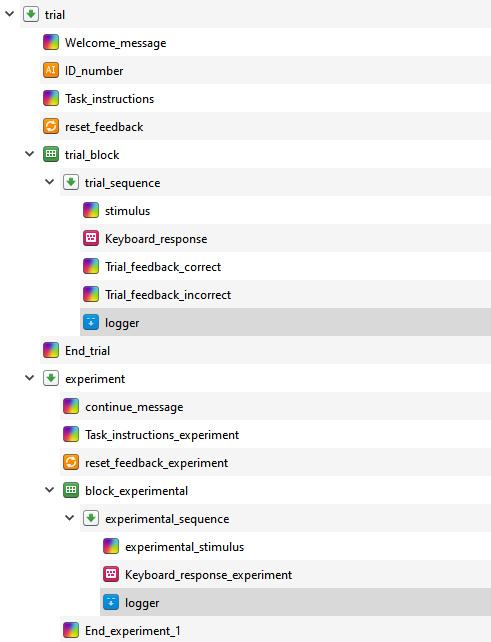
I can send more info if none of this explains my problem. Thanks again for any help.
Sincerely,
a very stressed undergrad.
Comments
Hi @meganb_ire,
Not all features of OS run in OSWeb, and sometimes problems can arise even if the compatibility check detects no issue. It is typically related to something in the task that creates some problem when the script runs in Javascript in the browser.
It is not possible to know what the issue is from a picture of the task' structure only.
What do you see in the console? There may be some error message or information that would help you pinpoint the problem. When running the task in the browser, you can display the browser's console with CTRL+SHIFT+i.
Another debugging step you can take is to create a copy of your task, then strip it down to something basic, check whether that runs in your browser. If it does, add in some bits, check again, and so on. Or use code to output the content of variables or tags to the console, so that you can get a better idea of where the task encounters a problem.
Best,
Fabrice.