

Separate Densities

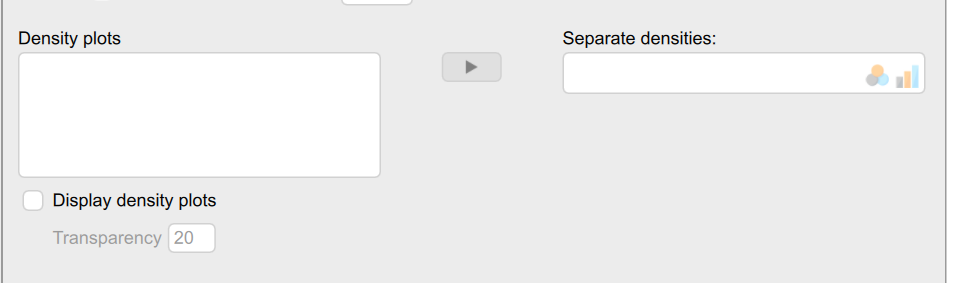
I am new to JASP and exploring the different options for summary plots. I am looking at the following options under Descriptive Statistics/Customizable Plots. How do I add variables to these boxes? I could not find this in any beginner guides. I was hoping to get density plots split by group and plotted on the same x-axis scale, but in any case, I would like to know how this works. Thanks!
Comments
First of all, you need a column that indicates the group assignment, for instance "group". If you have this column in your data set, it should show up under "Density plots"; you can then select it and drag it to "Separate densities". As soon as you then tick the box "Display density plots" you will see the result. For example, from the "Sleep" data set under the Descriptives folder of the JASP Data Library: