

fail to setup in win 11 system

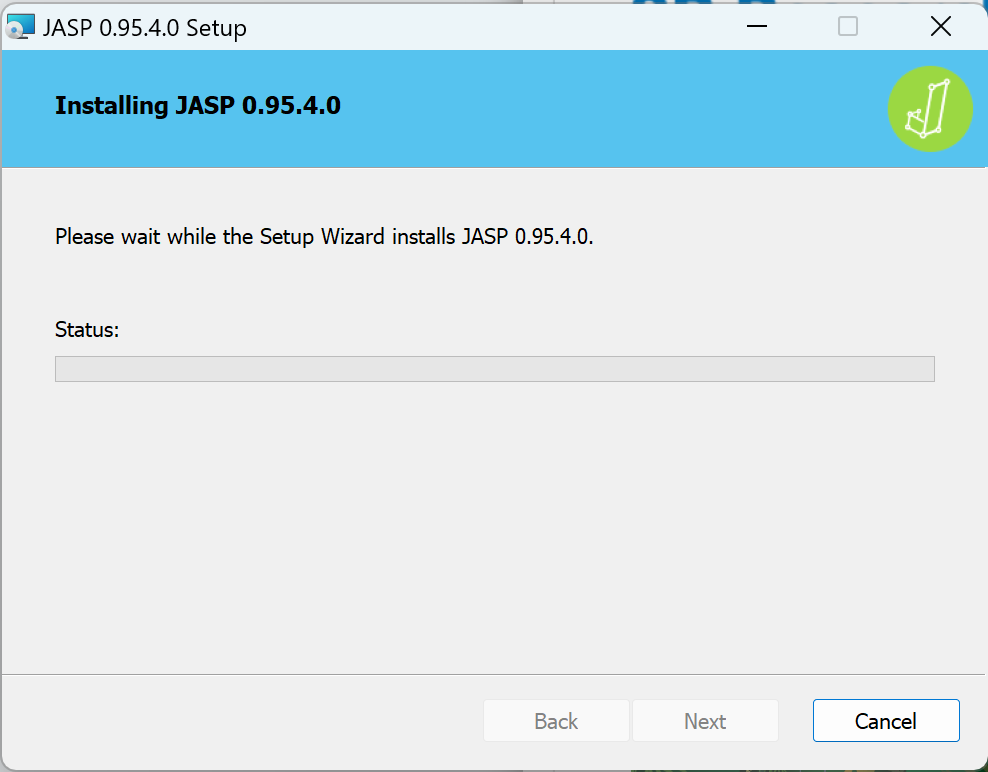
Today I wanna setup the JASP in campus computer, but it stucked like this and seems no work anymore. I have tried download the package again but it turns out unhelpful. Please let me know if there an issue when appling this application in win 11 system or just the campus system problem.
Comments
Dear Katse,
Are you the admin on the campus system, or just a user without admin rights? If the latter, you might want to try our preinstalled zip file instead. If this is not the case or if you are still experiencing problems, please post the issue on our GitHub page so you will be in direct contact with the programming team, who will be happy to assist (for details see https://jasp-stats.org/2018/03/29/request-feature-report-bug-jasp/)
EJ
Dear EJ,
Thanks fo ryour reply.;) I am a stu user actually, and I follow what you told. As I unzip the preinstalled zip file, and it final likes that:
But after I press the JASPDesktop, it seems nothing happened. Just a little bit flash without anything start.Please let me know if I press the wrong exe file. Thanks for you done;)
I am used to seeing the file extensions, in which case you have to press the .exe
You have unzipped the zip into a separate directory already, right?