

Changing font size of widget label=text

in OpenSesame
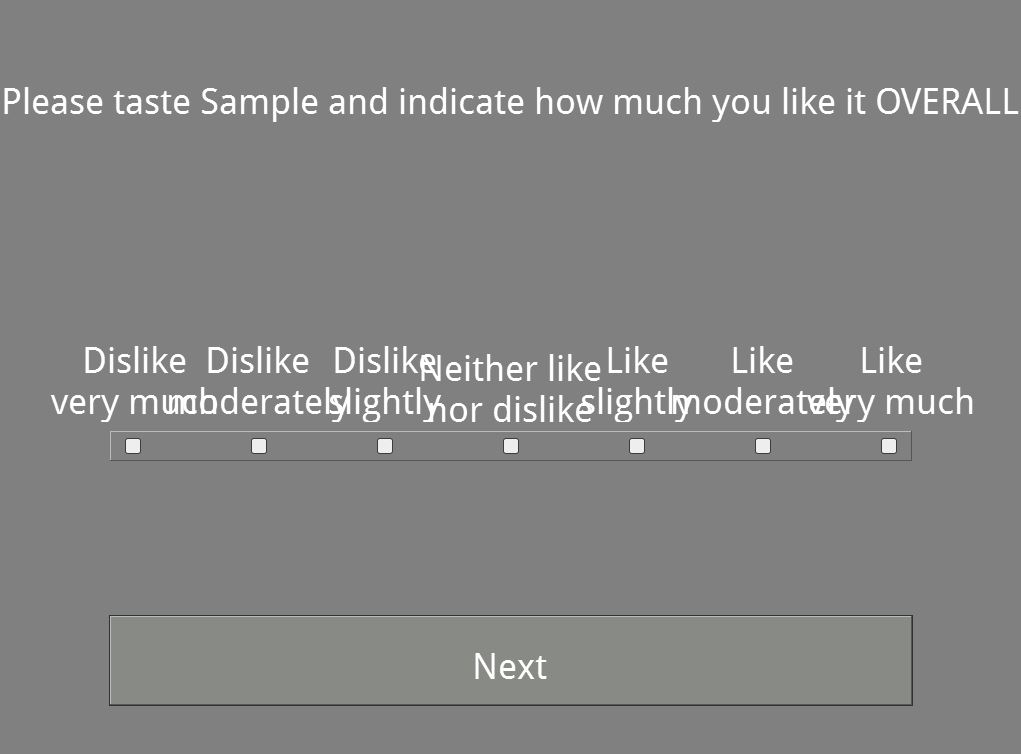
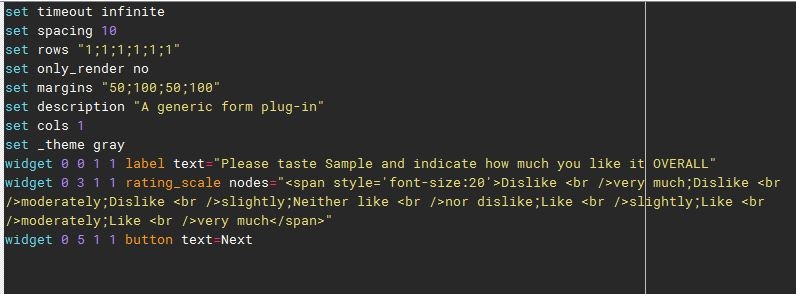
Hi, I am totally new to programming and I am now experiencing a problem. I am unable to change the font size of the text for my widgets and they are overlapping each other as seen in the picture attached. I have tried using span style but it does not seem to work. Anyone able to help me with this?
Comments
Hi Foddle,
If you increase the space in between your widgets (by adding more columns in between the relevant columns), or reduce the font size, you can probably fix the overlap issues. To change the font color, you can look at the general settings tab. You can find it in the first item in the overview area, as the foreground color.
Does that help?
Eduard