


Counterbalancing in JATOS

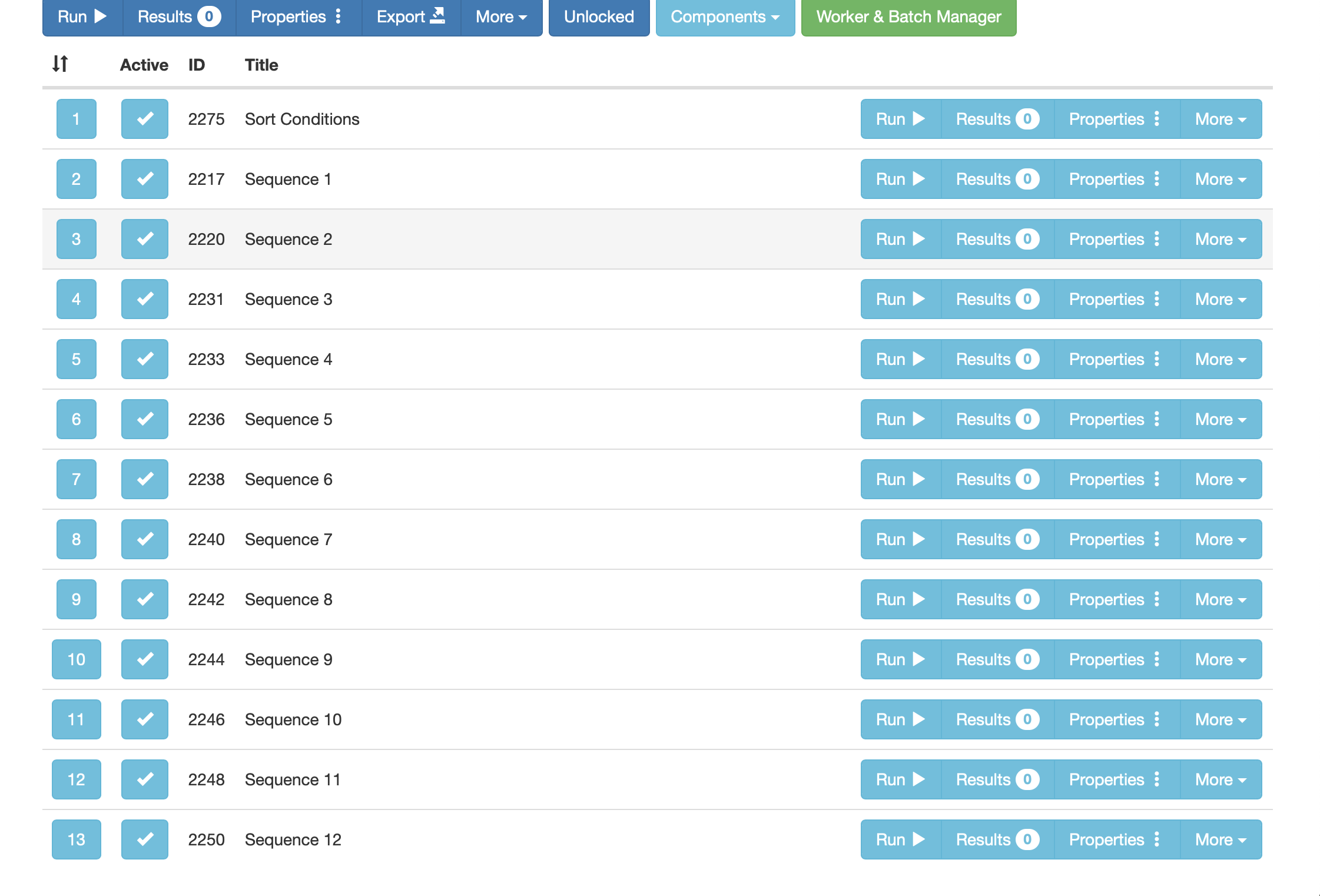
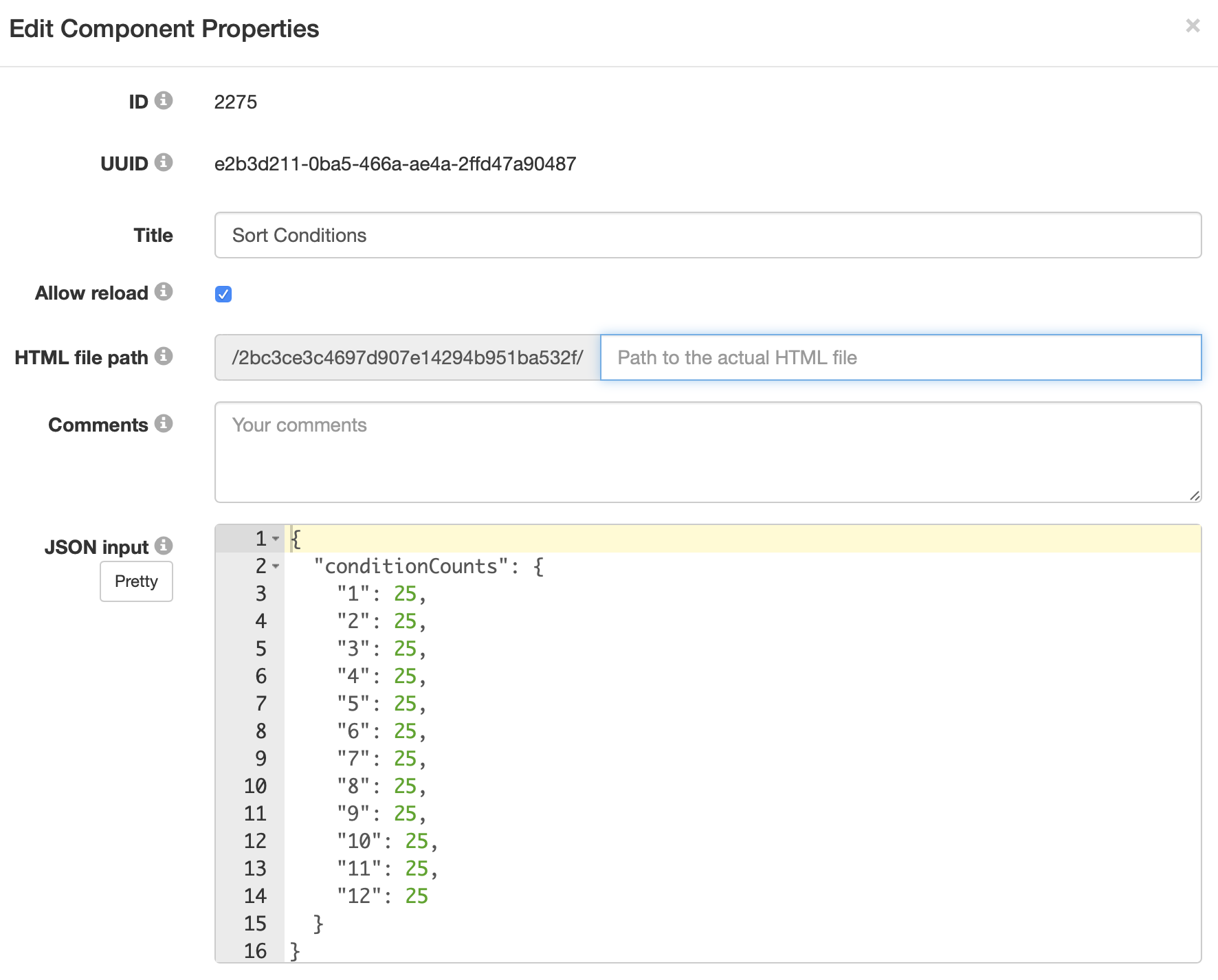
I'm a graduate student completing my thesis project involving measuring implicit bias. I'm using a Go-No-Go constructed in OpenSesame, OSweb, then uploaded to JATOS. I am using counterbalancing, as I technically have 3 GNATs in one (positive VS negative, harmless VS dangerous, and competent VS helpless) and have 12 different sequence files. I have figured out how to upload each individual components into JATOS, but I am struggling to get the randomization to work. I have referred to the example studies, but I'm having trouble figuring out exactly what was done. I'm not sure exactly path to add to sort conditions. I am the first in my university department to attempt this using a JATOS server, so I've been on my own in figuring everything out.
Any help is greatly appreciated!
Comments
Hi,
I'm not sure exactly path to add to sort conditions.
Can you list the contents of the folder 2bc3cd3c...? (Unzip the folder if you haven't yet)
I can then tell you which path to write for each component
Best
Elisa
Here is what the file shows.
Ok, it looks like you didn't include all the necessary .html scripts. Let me try to explain:
What you need to do then:
Best
Elisa
I am now receiving a "cannot read JSON string" error
Then your JSON string is wrong.
Without more information, that's all I can say.