


HOW TO ENSURE THAT A CERTAIN PART OF THE SKETCH-PAD REMAINS VISIBLE EVEN WHEN A FORM IS DISPLAYED?

Hello Researchers,
The expt. on Mind-wandering requires that a clock face be continuously visible on the sketch-pad even when
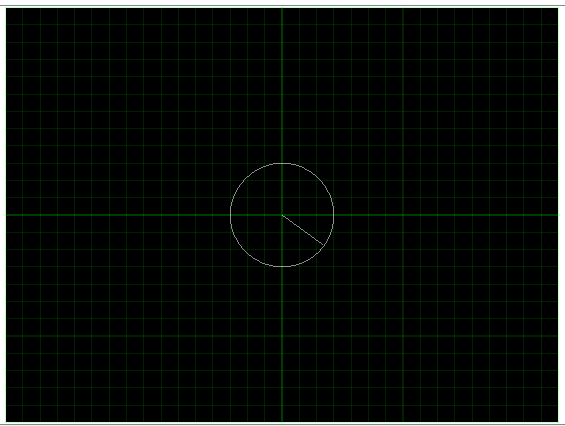
a Form needs to be displayed, and filled by the subject. How can I ensure that the clock face remains visible even when the Form containing the Thought Probe is displayed on (top) of the sketch-pad?
a. e.g. Is it possible to super-impose the Form (containing the Thought Probe questionnaire) on a specific part of the Sketch pad, so that the relevant part of the sketch-pad remains continuously visible?
Comments
Hi,
The only way of combing the clock with a form is to draw the clock as widget onto your form (on each of them to be precise). You can do that, by using the Image widget: https://osdoc.cogsci.nl/3.3/manual/forms/widgets/#image-imagewidget
I suppose that this clock has to change its time regularly? To make this work, you would have to create a number of screenshots of the clock, each with a different time on it (the finer the ticking has to be, the more screenshots you need). It's quite straightforward to do this in Python.
Alternatively, you can implement your own forms that you that present on the sketchpad, but depending on the complexity of the forms, that would be more work, I suppose.
Good luck,
Eduard
Dear Eduard,
Thanks for your kind help.