


[Solved] Using javascript variables in a loop for OsWeb experiment

Dear all,
I want to make a simple n-back task using digits in a pseudorandomized order: The sequence is fixed, but which set of digits becomes a target, lure, or nontarget is randomized for each participant. In the offline version, I can randomize the digits in an inline_script element, store it as a variable, and call the digit in my loop that will be run sequentially. This works just fine. However, if I adapt this approach using an inline_javascript element, my browser screen would become stuck like in the screenshot below:
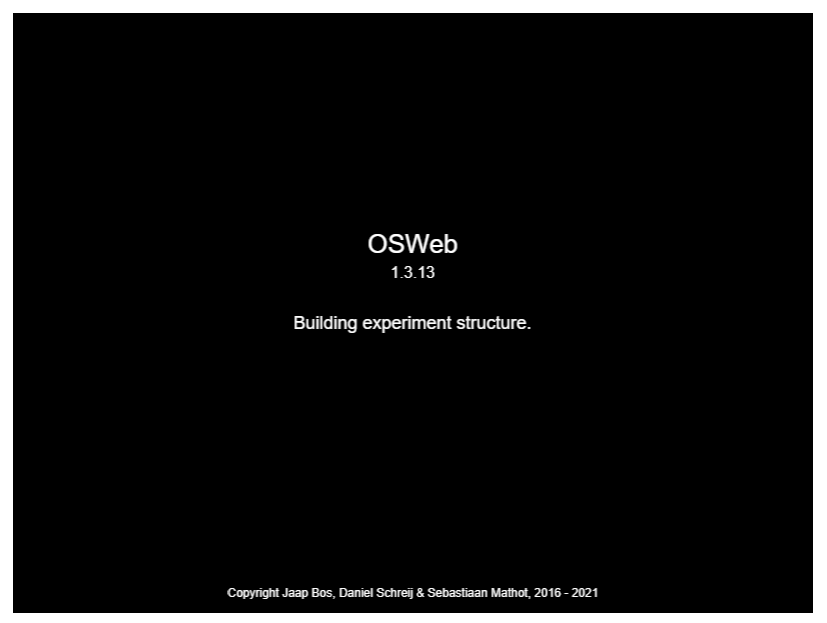
Any idea what went wrong? I attach the experiment for your reference.
Best,
Wisnu
Comments
Hi @wdhany,
I had a quick look at the task you uploaded and I can see several problems.
First, you have some Python code in an
inline_scriptobject in the unused items. That fails the OSWeb compatibility check, preventing the task from even starting. Make sure to empty that folder.Second, your logger is set to log all variables. That's a second reason why the OSWeb compatibility check fails. Uncheck that option and introduce manually the variables you want logged. The "Log all variables" option is great when running the task in OS, but when executed in a browser and over the internet, logging everything requires quite a bit of bandwidth and slows things down.
Third, the key reason why you got stuck on the "Building experiment structure" has to do with the content of the digit column in your loop table. Expressions like "=vars.lures[0]" won't work inside a loop. To call upon the content of a variable, you should use something like "[lure]", that is using a variable and not an array.
I haven't checked your javascript code, but assuming it is doing what you want to do, you'd need to add some Javascript code in the trial sequence to implement a trial counter per condition and then pull the appropriate element from the appropriate arrays to populate a variable (e.g., vars.luredigit = ...), and then use that in your loop table: "[luredigit]".
Have a look at these examples to see how this works:
https://forum.cogsci.nl/discussion/comment/23977#Comment_23977,
https://forum.cogsci.nl/discussion/comment/24005#Comment_24005,
https://forum.cogsci.nl/discussion/comment/23974#Comment_23974
Hope this helps!
Fabrice.
It works perfectly now! Just out of curiosity, I have used =var.lure[0] (instead of var.lure1 = lure[0]) in a loop file the offline version of OpenSesame before and it works just fine (see the screenshot below). Why does this not work in OsWeb? Is the explanation somewhat relate to the different syntaxes between python and javascript?
Again, thanks for your help!
Wisnu
Hi @wdhany,
To tell you the truth, I'm not sure. I had to work it out by elimination from your script. But yes, I assume it has to do with the translation of the experiment in Javascript to run in the browser.
Glad it works, though!
Good luck with your experiment!
Fabrice.
PS: when replying in the forum, you can use your correspondent's handle, that way he/she gets notified that you sent a message. You just need to type @ followed by the first letters of the correspondent's name and a pull-.down menu will appear. Example:
Hi @wdhany and @Fab ,
By prepending an = character to variables that you use in the interface (rather than in an inline_script) you force OpenSesame to interpret it as Python code instead of OpenSesame syntax. Python code does work offline, but not online, so I suppose that explains why Wisnu's experiment still worked on the PC.
For more information, see here:
Cheers,
Lotje
Did you like my answer? Feel free to

Thanks @Fab and @lvanderlinden for your explanations!