


OSWeb - keypress not registering

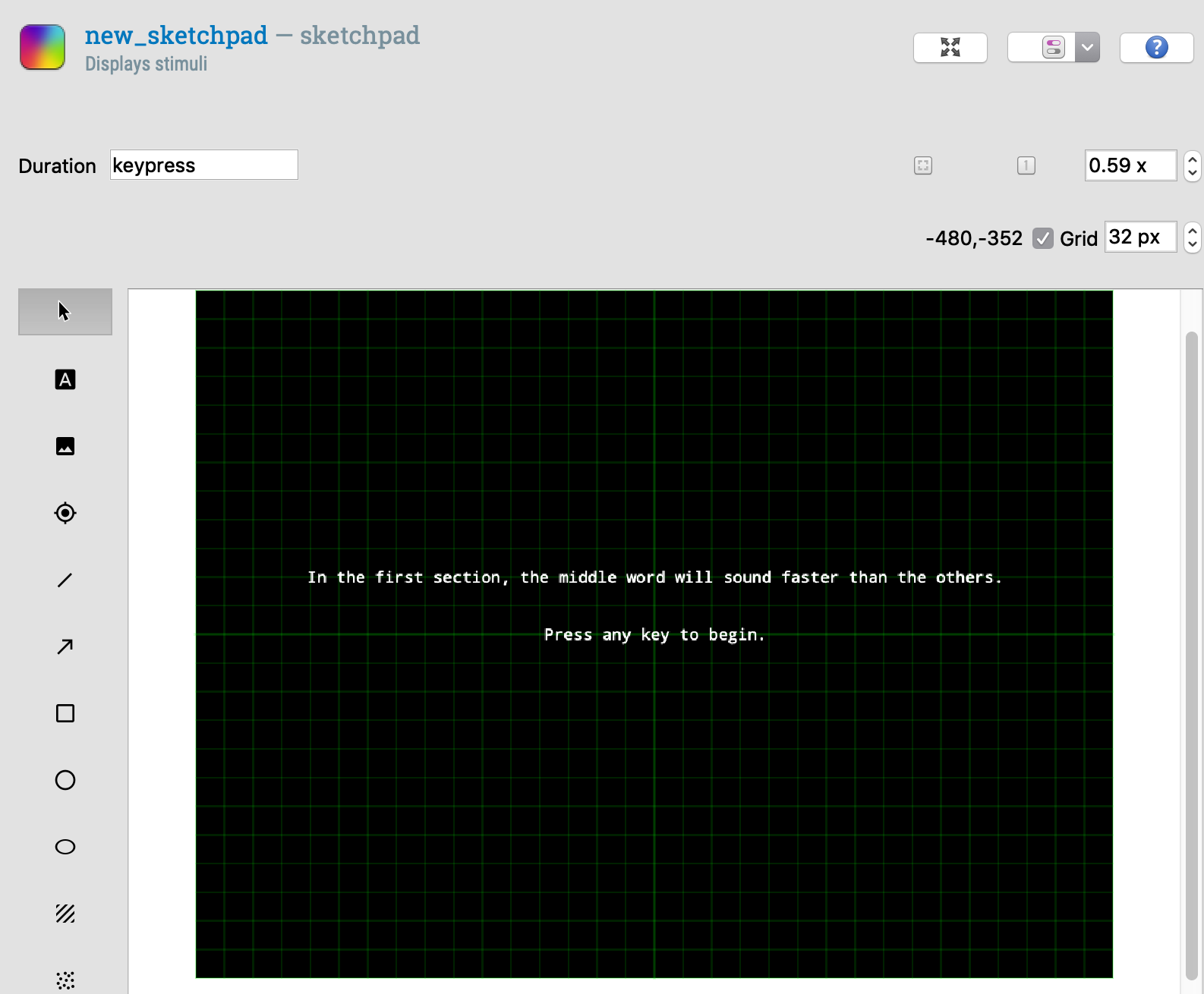
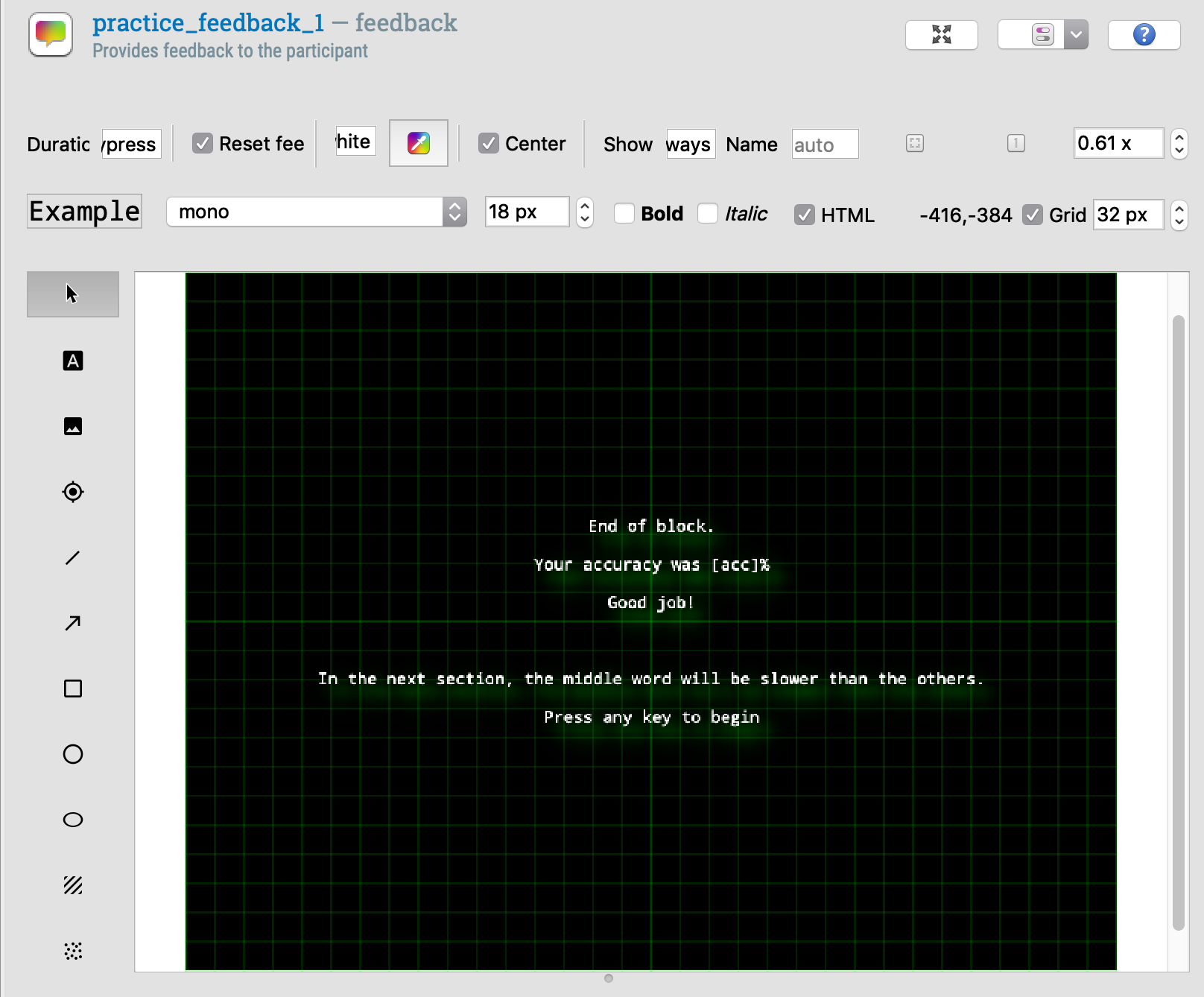
I'm getting close to my wit's end with this, please help. My experiment runs fine in the main OpenSesame application, but when I run it in OSWeb it gets to the first introductory sketchpad item which ends "on keypress", and then just stalls out. Doesn't accept any input. I don't know what's happening. I tried changing it to mouseclick, which didn't work either. I tried changing it so it would time out after 5000 ms. That didn't work either. It just gets there and stops. This happened before with a feedback item too.
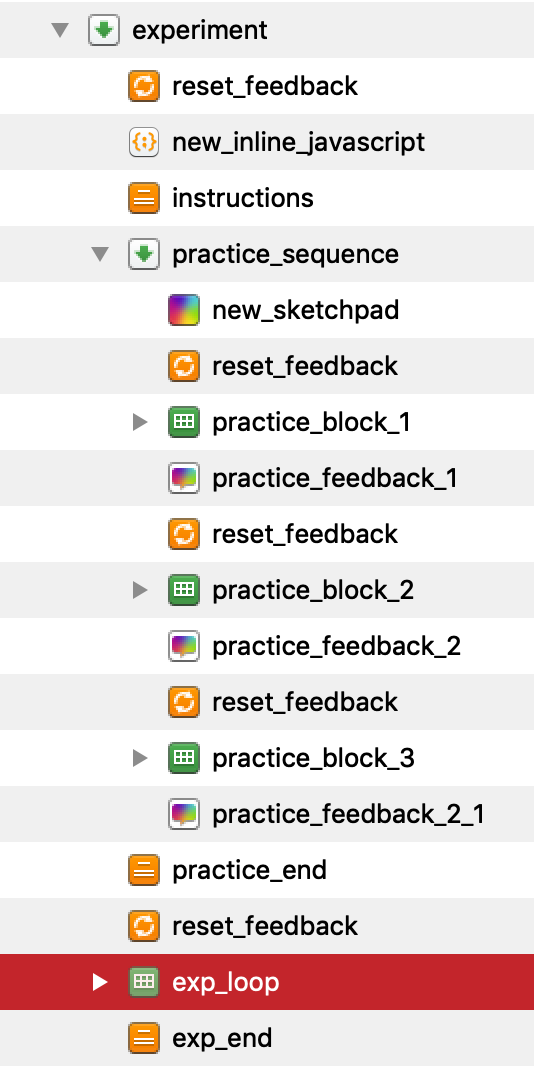
More suspiciously, I tried taking out the sketchpad item altogether and then it skipped the entire practice sequence. And then the main experiment loop started and it was registering keypresses correctly. I just don't really know what's happening.
I've tried reinstalling the latest version of OSWeb, btw.
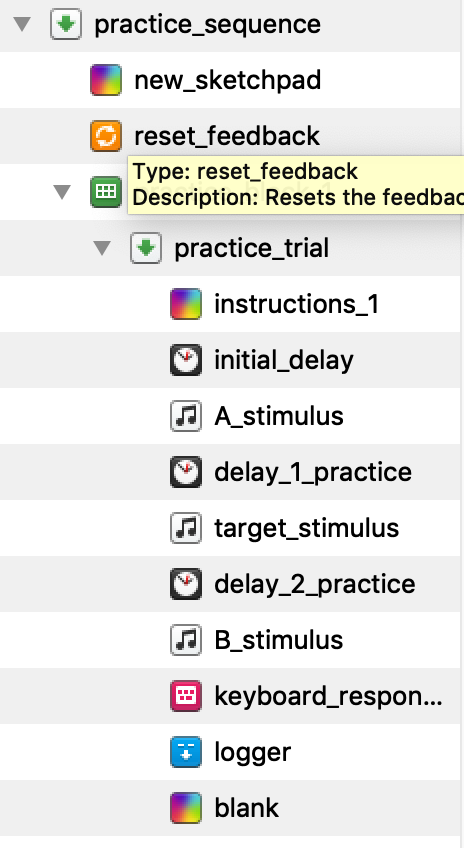
I tried uploading the file here but I got a network error (too big??). Here are some screenshots instead.

Comments
Hi @finlay ,
If you look in the browser console, do you see any error message? And if so, what is it?
And are you able to create a smaller experiment file that demonstrates this freezing behavior, so that you can upload it here?
-- Sebastiaan
Check out SigmundAI.eu for our OpenSesame AI assistant!
I don't think any of these error messages are related to OSWeb. The top set came up when I launched the browser, and the bottom set came up when I closed the window.
Here is a small version of the draft test. The other one was bigger because it had all the sound files for the main test that I haven't actually implemented in the draft version yet.
I just changed the reset_feedback items so they were no longer "linked". This was giving me an error in the compatibility check but I had ignored it because I didn't think it was so important! :/ Now the experiment seems to work OK?? I'd appreciate anyone who can help me understand what's going on! (The form_text_display objects are also giving an error but they seem to work fine so I really have no clue at this point!)
Hi @finlay ,
I think you can clean up your experiment by having an additional
loop-sequencestructure within your trial_sequence for presenting the three sound stimuli (and the delays). By doing so, you don't have to create three differentsampleritems, and the overview of your experiment (and, as a consequence, also the place where you need to reset the response variables) becomes more clear. In the nestedloop, you can determine the name of the first, the second and the third sound file by using thesquare-bracketsyntax like so:Note that, because the order of this additional loop is fixed, the order of the loop should be set to "sequential".
Next, you can use the
square-bracketsyntax in thesampleritem to play the current wav file:And in the
delayitem to set the duration:This structure should not give the "prepare phase for reset_feedback_item is called multiple times in a row" message.
I attached an example.
Hope this helps!
Cheers,
Lotje
Did you like my answer? Feel free to

Thanks, @lvanderlinden, i'll try that! :)
Do you have any way to break up the main experiment? For the draft I've only put in like, 24 items, but actually I'm gonna have about 400 trials and I need to give people a break every so often! I've just put in some dumb code that shows a feedback screen every 10 or 20 trials. But is there a "proper" or neater way to do this? I couldn't just break the main loop because it would reset. (Maybe it's too long haha)
HI Finlay,
Why do you think your method is dumb? It sounds perfectly valid to me, and I do it in essentially the same way.
Eduard
Hi Eduard, I just have a suspicion that there's an easier way to do it! Thanks for validating me!
Finlay
Hi @finlay ,
No, your method is perfect, especially because the "resume-after-break" functionality of the
loopitem does not work in OSWeb (yet).So this is a good workaround!
Cheers,
Lotje
Did you like my answer? Feel free to
