

Blurry text and images

Hi all,
I am designing an online picture selection task, but I am running into the problem that the text and the images are blurry. The fixation dot and the frames around the images however appear to be sharp.
I've tried changing the resolution. I ran the experiment full screen with the resolution matching that of my own PC. I have also tried making the resolution small enough to fully fit within my browser. Neither option solved the problem.
After reading another discussion (https://forum.cogsci.nl/discussion/7921/display-issue-blurry-text) I changed the backend. This solves the problem when I run the experiment offline, but not when I run it in a browser.
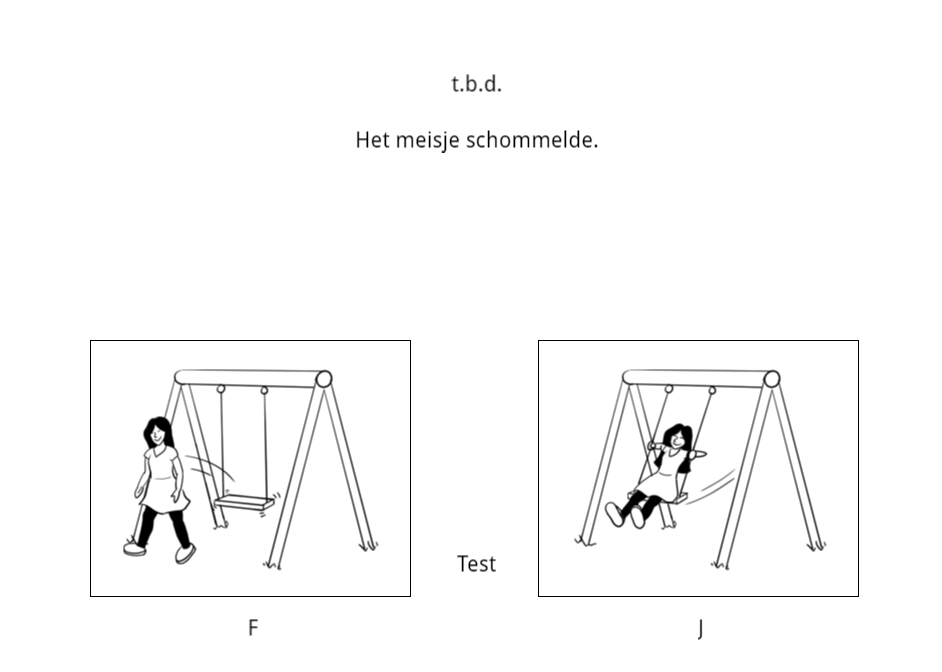
This is what it looks like blurry: offline with psycho or psycho_legacy backend, and in my browser with any backend.
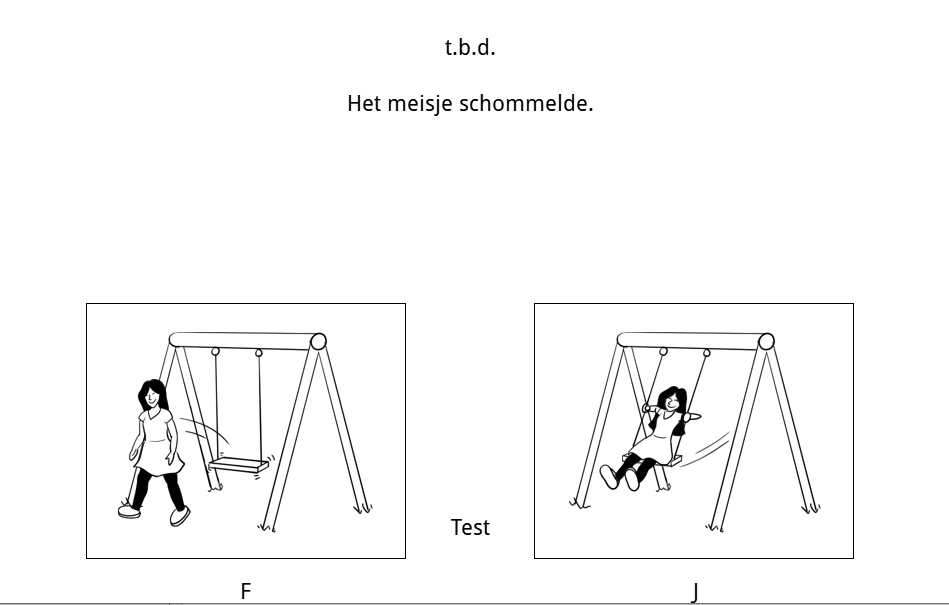
This is what it looks like sharp: offline with xpyriment or legacy backend. It should look like this in the browser as well.
Any suggestions as to what I can do to optimize the quality of the text and images?
Thanks in advance!
Comments
Hi @Annika ,
It's true that the psycho backend can make things look a bit fuzzy. However, this is only when running on the desktop.
When running an experiment in a browser, things should not (and as far as I know do not) appear blurry. But browsers allow you to zoom in, and many people have the zoom level of the browser at something 150% by default. In that case, images are enlarged and they can appear a bit blurry indeed, simply because they are magnified beyond their actual size. Could that be it?
— Sebastiaan
Check out SigmundAI.eu for our OpenSesame AI assistant!
Hi @sebastiaan,
Thanks for your reply! My browser is at 100%, so I do not believe this is the issue.
I am presenting the stimuli in a sketchpad. While working on the background questionnaire I did happen to notice that text and images presented through inline html scripts are in focus.
I'm attaching an example of my experimental loop in case you would have time to have a look at it. Perhaps I am making some rookie mistake:
Best,
Annika
Hi @Annika ,
You're right actually. I never noticed this before, but what happens is the following: your images have an odd height and width. This means that when they're centered, they are centered on a location "in between pixels", if you see what I mean. And this looks a bit blurry. I filed an issue for this, but for now a workaround is either:
sketchpaditems.Something similar seems to be happening for the text elements.
— Sebastiaan
Check out SigmundAI.eu for our OpenSesame AI assistant!
Hi @sebastiaan,
Thanks, this solves the issue for the pictures!
As for the text, it appears a bit more complicated because the width differs for each stimulus. I am trying to think of solutions for this.
My best bet at the moment is to not center the text, then go through all of the stimuli manually, find the appropriate x coordinates for the relevant text elements to be presented in the center, and add this to the table as a variable, then refer back to it from the sketchpad.
Rather I was wondering if it would be possible to do the first step using coding. For example, would there be a way to calculate the width of the text via an inline_javascript item at the beginning of the trial sequence, from which I could deduce the appropriate x coordinates? (i.e. Creating a variable that gets assigned the value - text width / 2, rounded off to a whole number)
I've been doing some googling, but I seem to be lacking basic understanding of coding to understand if it would even be possible to get the width of each text string.
Best, Annika