

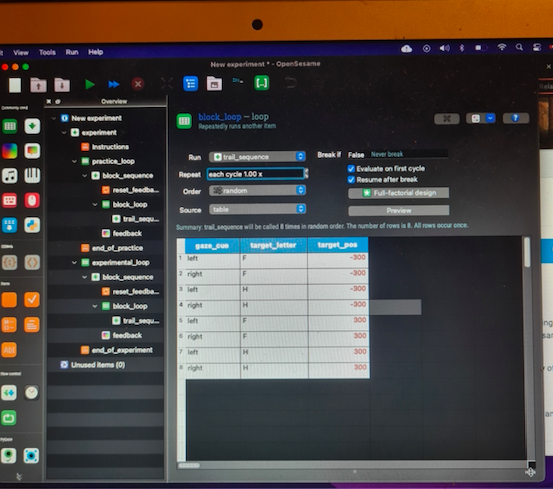
using macbook- unable to access "variable wizard" option to ass new variables as shown in tutorial

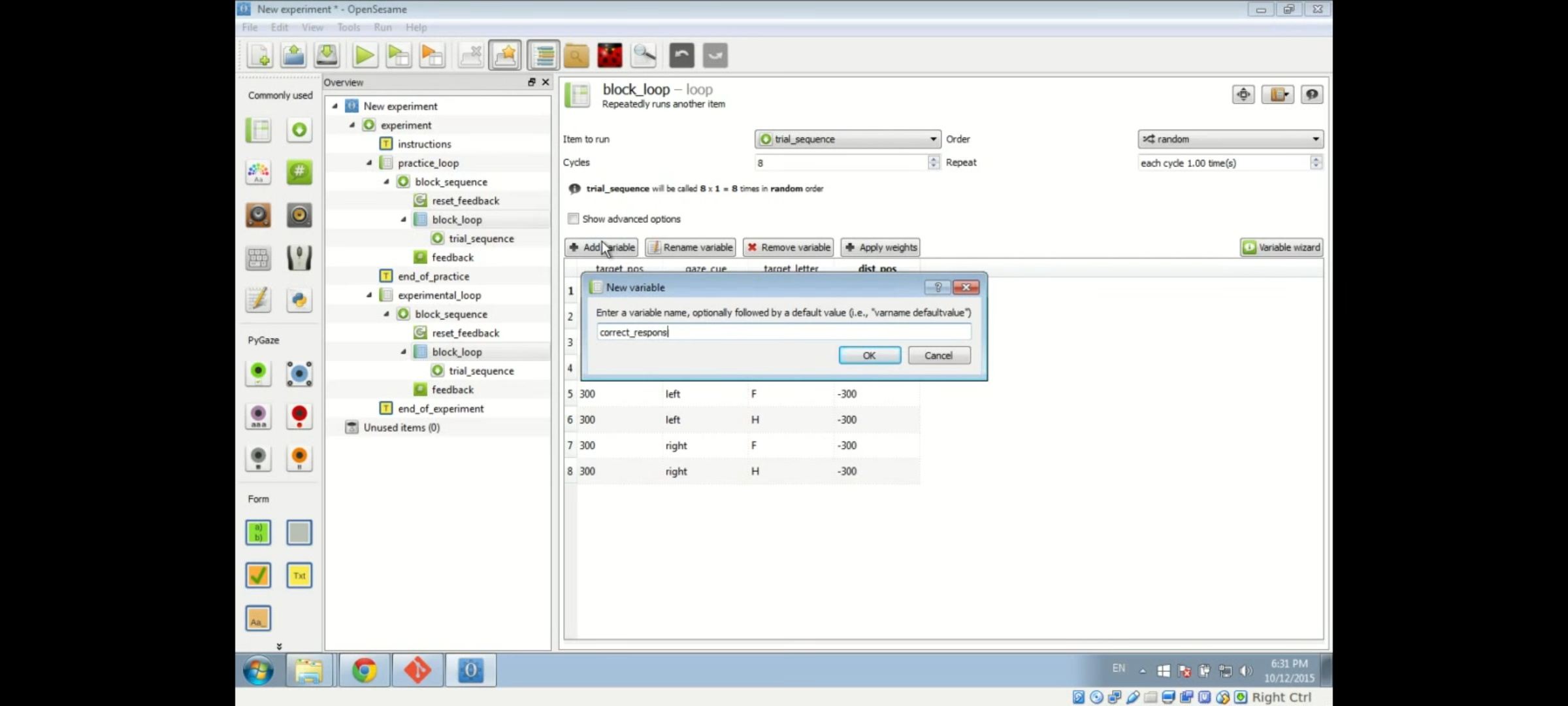
I am trying to add variables via "variable wizard" as shown in the video above but it looks different for me on macbook
I tried using the "full factorial design" but it wont allow me to add variables one by one ect
Comments
Hi @Renata123 ,
That video tutorial is for a very old version of OpenSesame, which is why things look different now. In OpenSesame 4.0, you can simply enter variables directly into the loop table as you would in a regular spreadsheet. (That is, by entering a variable name in the first row to the right of the the
target_poscolumn.)For an updated tutorial, see:
Hope this helps!
— Sebastiaan
Check out SigmundAI.eu for our OpenSesame AI assistant!