

Dysfunction of Opensesame 3.2.6 & 3.2.5 on macOS High Sierra 10.13.6

in OpenSesame
Hello.
As part of my studies in master 1 cognitive sciences, with my teacher Stéphanie Massol, we are doing an experiment on Opensesame 3.2.6. However, I have a problem
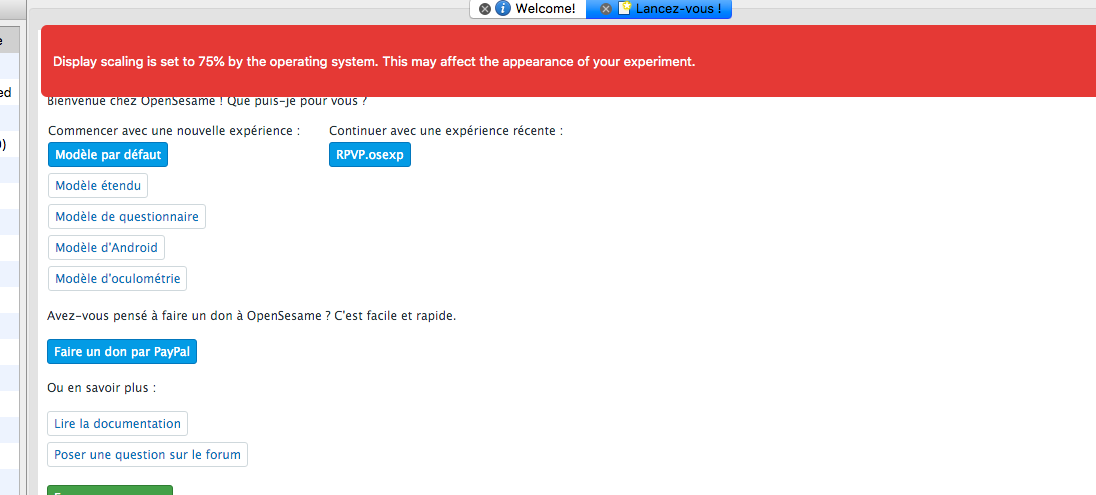
with running Opensesame on my mac, and the version is macOs High Sierra 10.13.6. When I run the experiment it blocks my computer and I can not do anything.I made you a screen print of what it displays before and after the launch experience. On the other hand,
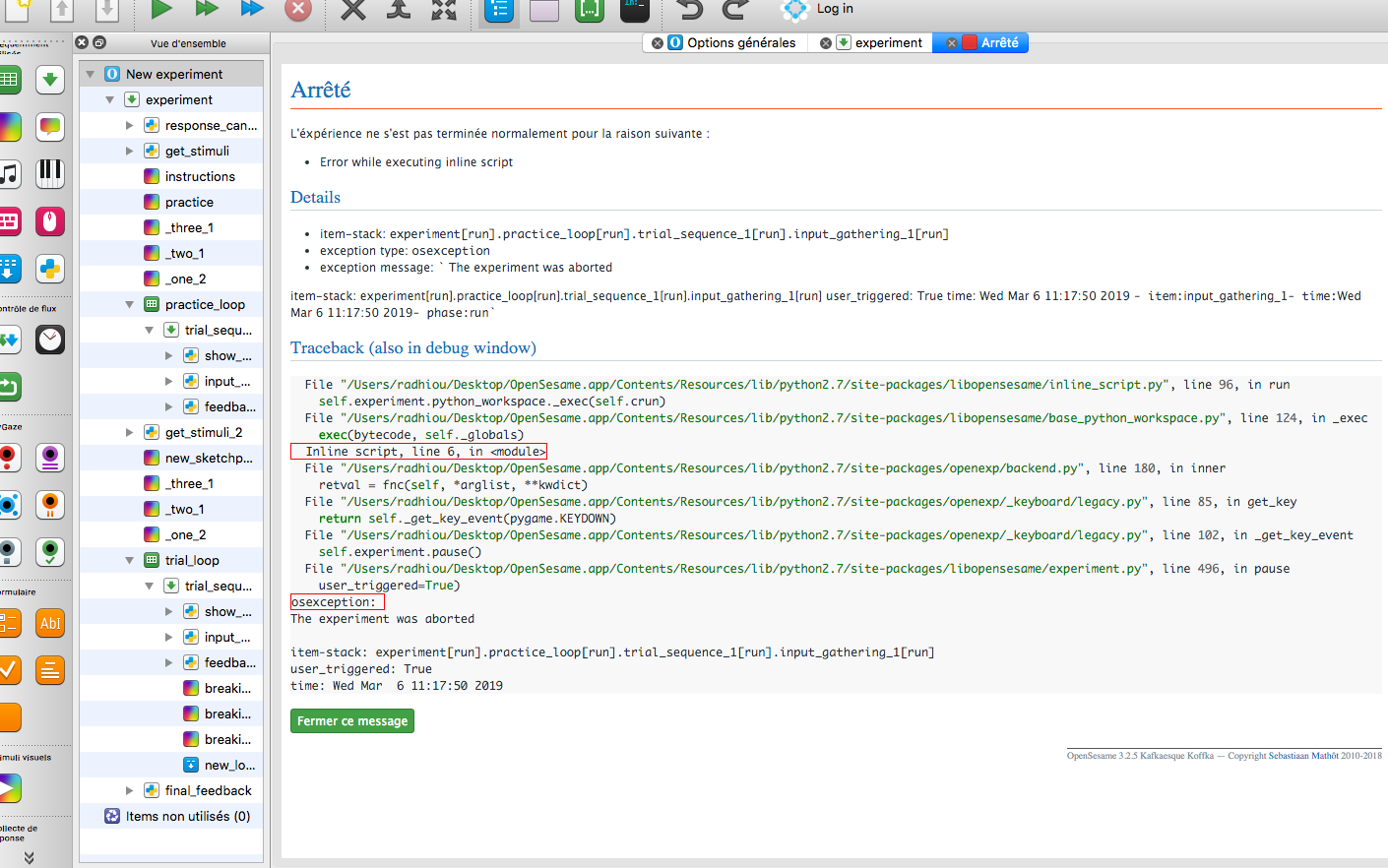
I could not make a screen print of what happens when I run the experiment because everything is blocked. I also try with version 3.2.5 but that does not work either.
Thanking you in advance.
Cordially,
Radhia Barour
Comments
@sebastiaan
Hi Radhia,
There are two things here: The first screenshot shows a warning that the operating system uses "display scaling". This means that stimuli are shown a bit larger than they should be (although the exact effect depends on the operating system) as a way to make small things visible on a very high resolution display. But this is unrelated to the freezing.
The 'freezing' appears to happen when the experiment is waiting for a key press. So I'm guessing that a
sketchpadwith a black screen is shown, and that this is followed by akeyboard_response, which gives the appearance of the experiment being frozen. But why that happens, I cannot tell! Perhaps if you upload the experiment here, I can take a look.Cheers,
Sebastiaan
PS. Don't tag people (me or others) just to attract attention! We do our best to help everyone on the forum, but sometimes it just takes a little while.
Check out SigmundAI.eu for our OpenSesame AI assistant!
Hello Sebastiaan,
First of all thank you for your answer.
I tried to change the resolution of my computer screen and the resolution of the experiment (directly on opensesame) but it did not work either .. And when I run the experiment, the "freezing" is done on the main page. I'm trying to press all the keys but nothing works except the "cmd and Q" keys at the same time to unlock my computer screen..
Yes no problem here are attached screenshots corresponding to "freezing" and just after the "freezing", and my teacher will send you the experience
Thank you for all, and really sorry I thought you did not find my publication that's why I tagged you.
Cordially,
Radhia
Hi Radhia,
The item trace in the error message shows that the freezing happens in the run phase of the
input_gathering_1item. So there's probably something wrong in the code there. Could you upload the experiment here, or paste the script (if it's not too long)?Cheers!
Sebastiaan
Check out SigmundAI.eu for our OpenSesame AI assistant!
Hi Sebastiaan,
First of all, thanks for your responses! Please find here a screen print regarding the script related to "input_gathering-1". Maybe you should know that this script is running perfectly well on orther PC and Mac (that used the version OS Mojave10.14.3). So we were wondering whether the problem is only dua a kind of compatibility between OpenSesame and macOs High Sierra 10.13.6.
Many thanks in advance for your help!
Cheers!
Stéphanie
Hi Stéphanie,
The problem is clear: The keyboard is polled, and it responds to escape presses (because you can abort), but apparently the
keyvalue is never "return", and therefore you never break thewhileloop. But why this happens, and why specifically to one system, I don't know.What I would do is print out the key variable to the debug window so that you can trace what happens if you press a key. Just after you've called
my_keyboard.get_key()you could have the following line:That should probably clarify things.
Cheers!
Sebastiaan
Check out SigmundAI.eu for our OpenSesame AI assistant!
Hi Sebastiaan,
Thanks for your help! We'll look at it!
Cheers!
Stéphanie