


Minimum system requirements for running Opensesame

As i am experiencing some problems ( screen and program freezing when pressing "play" function) id like to know what the minimum hardware requirements are for window laptop computers
PC specs: Windows 11, 8GB RAM, Intel 12th gen i5 core 2,5 GHZ processor
when trying to run a experiment, the screen freezes and goes black, and the program freezes and becomes unresponsive. This is the first time
using the program. The same program does run without problems on other peoples laptops as well as on school computers.
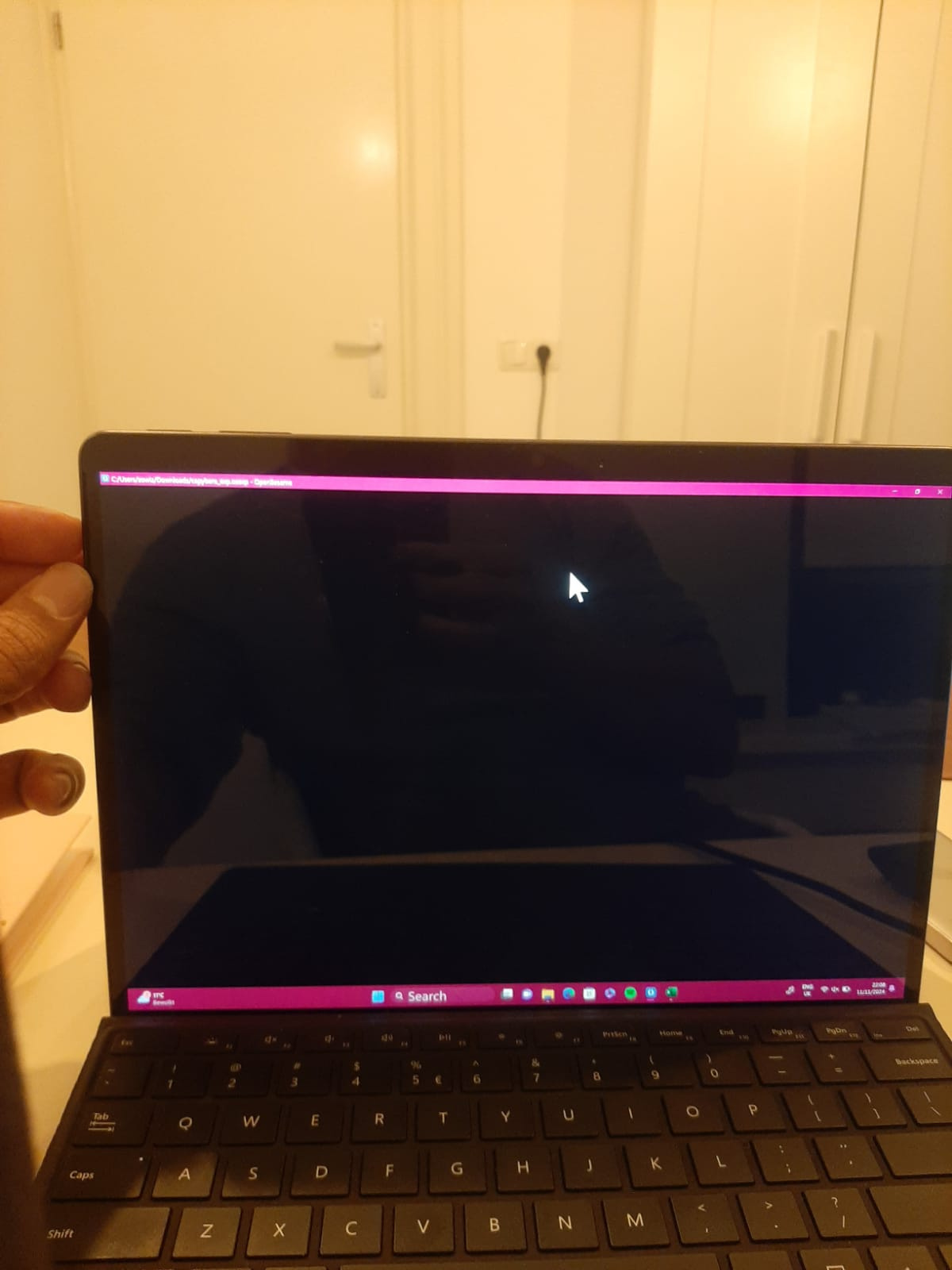
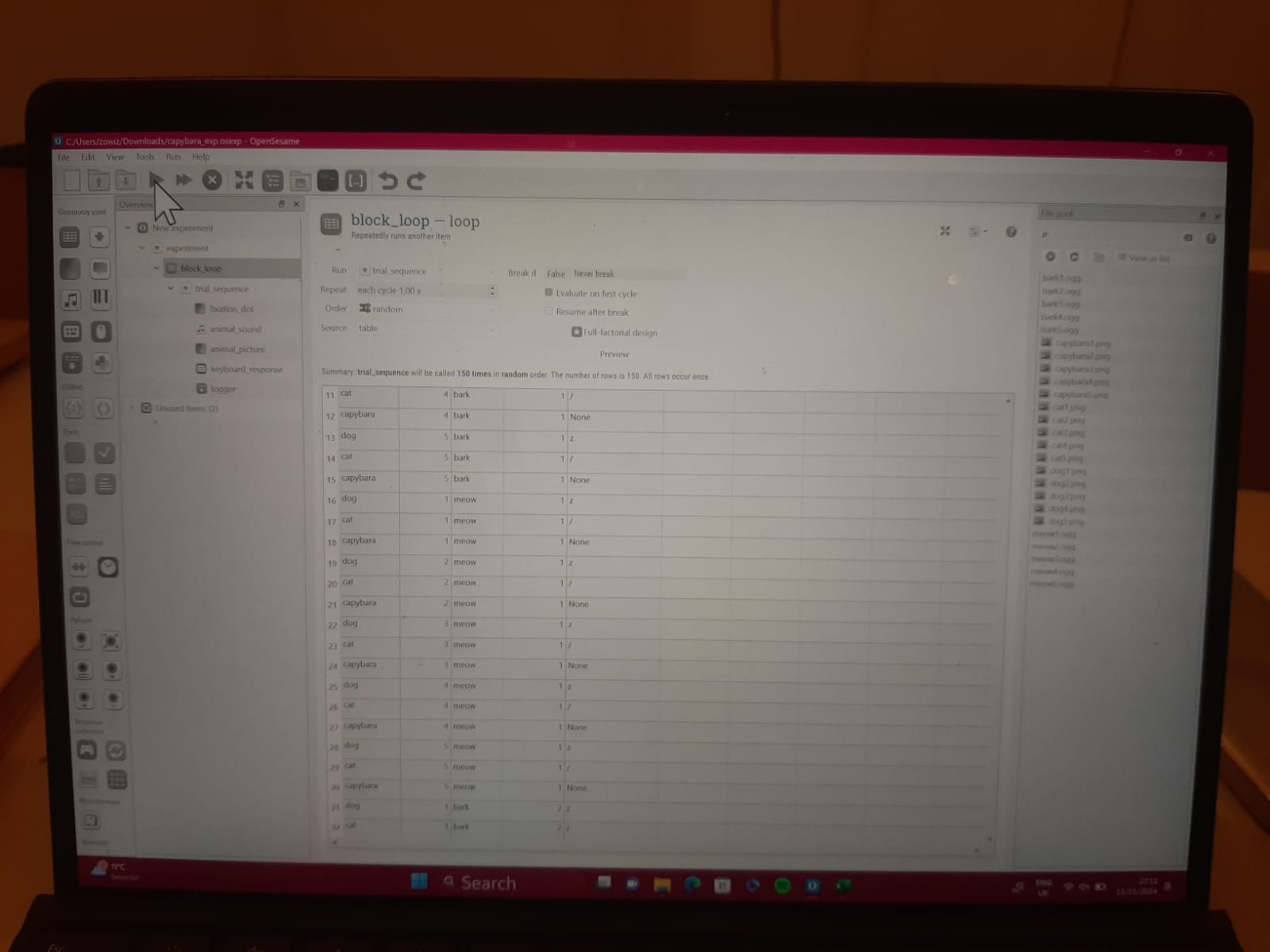
When the Run command (green play-button) is pressed, the program freezes, and the XLS file output is empty (0kb)
the screen switches between the first pic and the second one with movement of the cursor.
also see a video attached of what is happening in this problem. Please advise on how we can solve this.
Comments
Hi @AllanB ,
This is not an issue related to system requirements in the sense that the computer isn't fast enough. Instead, there is likely some incompatibility between the software and the video drivers. It will be very difficult to exactly pinpoint the issue.
The most pragmatic way to work around this is likely by changing the back-end, which refers to the libraries that are used to actually show stimuli on the screen etc. You can do this by trying out different options on the General properties tab, under "Run experiment".
I hope this helps!
— Sebastiaan
Check out SigmundAI.eu for our OpenSesame AI assistant!