


How to set grayscale color (value:0-255) shapes in Opensesame?

I have checked the visual section of the Psychopy API and found out that there is no corresponding parameter to assign in the psychopy.visual.Circle() function. Can anyone help me with this? Thanks a lot!
Comments
Hi @Ornella ,
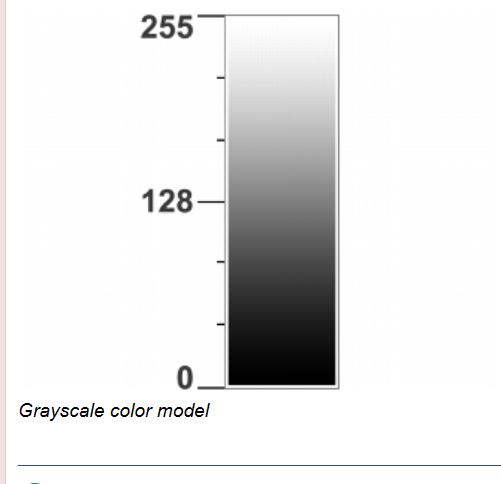
Is your question about what kind of units psychopy (by default and in the context of OpenSesame) uses for color specifications? These are on a -1 (black) to 1 (white) scale, so if you have values on a 0 (black) to 255 (white) scale you'd convert them as follows:
Does that clear things up?
— Sebastiaan
Check out SigmundAI.eu for our OpenSesame AI assistant!
Hi @sebastiaan,
Thanks for your help! I just want to draw grey circles of different lightness(I don't know if I'm phrasing this correctly?). So can I set the Circle.color to a value between -1 and 1, like this?
But I noticed that no matter what the value of Circle.color is between -1 and 1, I get black circles (see figure below). Have I misunderstood? I look forward to hearing your answer.
Hi @Ornella ,
Ok, I see. The
Circle()class in OpenSesame is not the same as thepsycho.visual.Circle()class, hence the confusion. (The first is to draw on an OpenSesame Canvas object, the second to draw on a PsychoPy window object. They are conceptually similar in that they both draw a circle, but they do so in a different context.)You can see how to specify colors in OpenSesame here:
One way is actually to simply specify an integer between 0 (black) and 255 (white), which seems to be exactly what you need:
Hope this helps!
— Sebastiaan
Check out SigmundAI.eu for our OpenSesame AI assistant!
Hi @sebastiaan,
That works! Thank you very much!🤗🤗